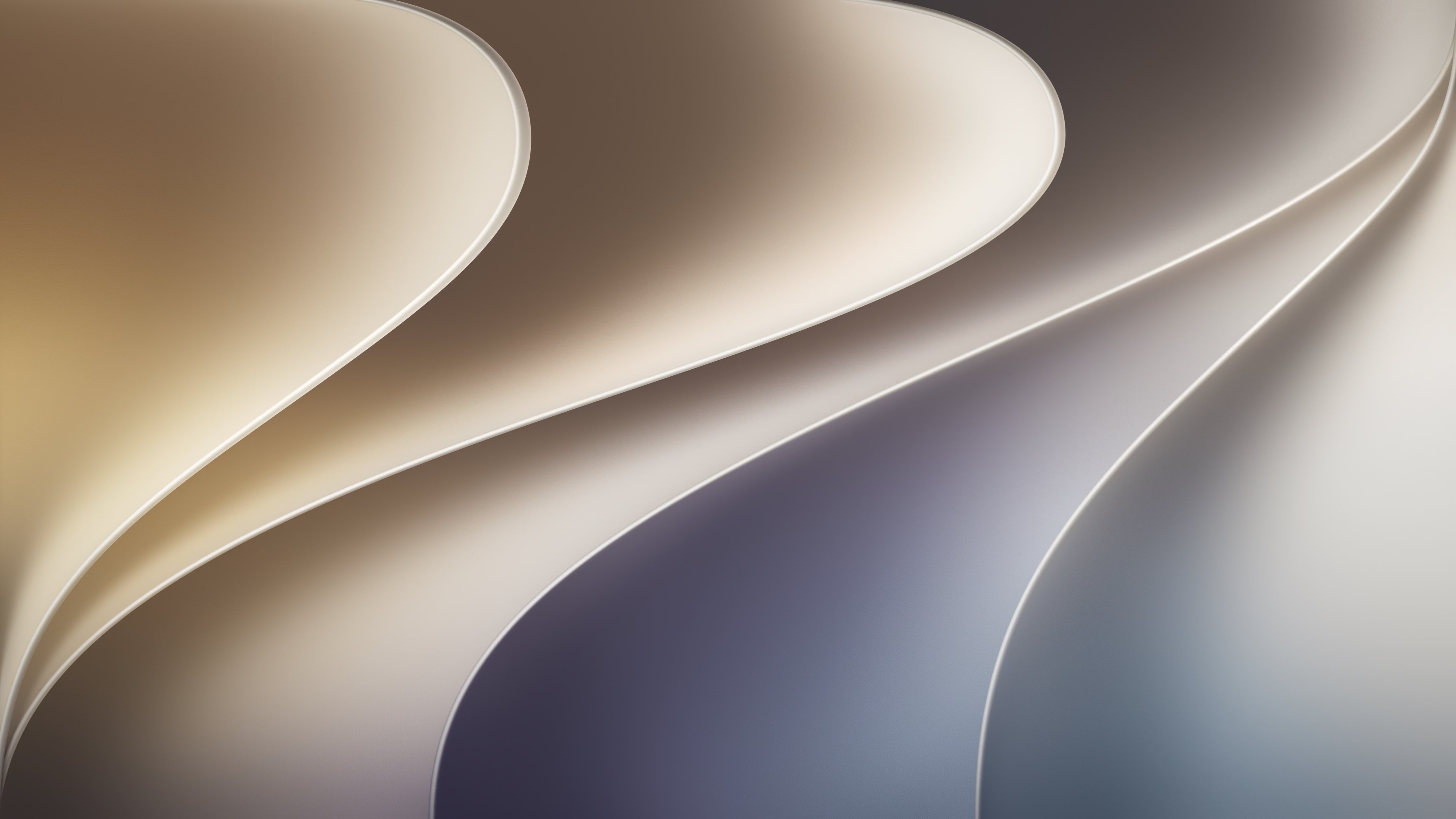
Download MacOS Golden Gate Wallpaper
The new macOS Golden Gate’s wallpapers are worth the hype. Whether you have upgraded your mac to the new macOS Golden gate or just like the design of the new wallpapers, you can download it in high quality and make your mac look clean and fresh.
Below we have provided you the download links of the official macOS Golden Gate wallpapers in 4k and 8k resolution. There will be also a guide on how to set these wallpapers up for your mac. Download macOS Golden Gate wallpaper to give your device that premium look.
What are the new wallpapers?
Apple released three official wallpapers being (Golden Gate Original, Golden Gate Sunset and Golden Gate Night). The Golden Gate Sunset and Golden Gare Night are based on the Golden bridge and the surrounding area in San Francisco. These three wallpapers come with high resolution which makes your device look sharp.
They support light and dark themes and are optimized for retina displays. Hurry up and download them to improve your device’s looks.
Why should you download macOS Golden Gate wallpapers?
Most of the people love a unique look for their device. In this case, modern and high-quality wallpapers can play an important role for your device’s fresh look. This is where macOS Golden Gate’s new wallpapers step in.
Apple has released three official wallpapers with 4k resolution. Downloading macOS Golden Gate’s wallpapers can give your mac that premium look that you are looking for.
Download macOS Golden Gate wallpapers
Let’s get started now. without wasting any time, here are direct download links of macOS Golden Gate Wallpapers.

Download macOS Golden Gate Wallpaper( Golden Gate Light)
Download macOS Golden Gate Wallpaper (Golden Gate Dark)
Download macOS Golden Gate Wallpaper (Dynamic)
Download macOS Golden Gate Wallpaper (Golden Gate Sunset)
Download macOS Golden Gate Wallpaper (Golden Gate Night)
How to set these wallpapers up?
To set up the wallpapers follow this step-by-step tutorial:
- Download the wallpaper from the provided links.
- Go to the System Settings.
- Select Wallpaper.
- Click on Add Wallpaper.
- Then select the downloaded photo.
And your done. You have successfully applied the macOS Golden Gate official wallpaper on your mac.
FAQ:
Are the macOS Golden Gate wallpapers free to download?
Yes. You can download macOS Golden Gate’s wallpapers from the provided links.
Is it only for mac users?
No. These wallpapers can be used on Windows computers, laptops, smartphones and tablets.
Are the macOS Golden Gate wallpapers high-quality?
Yes. You can download macOS Golden Gate wallpapers in high resolutions such as 4k and higher.
Final thoughts:
The new wallpapers of macOS Golden Gate are amazing. It gives your device a premium look which is attention catcher. This is your chance to download macOS Golden Gate wallpapers and give your device a sharp look.